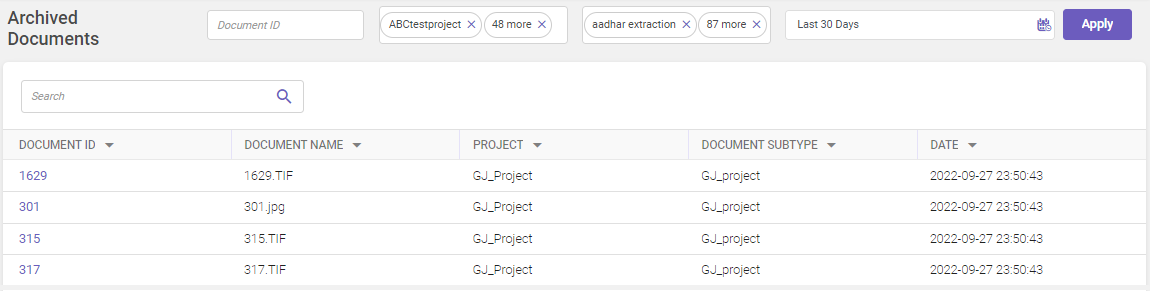
Archived Documents
The Archived Documents module is a comprehensive tool within our product that provides users with insights into archived document transactions related to exported data. This documentation outlines how users can effectively utilize the Archived Documents module to access and review historical document transactions for exported data.
The Archived Documents module offers users the ability to view and analyze archived document transactions, providing valuable historical context for exported data. By leveraging this module, users can gain insights into past document interactions and contribute to a deeper understanding of the exported data's journey.
Key Features of the Archived Documents Module
The Archived Documents Module encompasses the following key features:
Document Transaction Insight: The module enables users to access and review archived document transactions.
Historical Context: Users can gain insights into past document interactions, contributing to a more comprehensive view of exported data.
Accessing Archived Documents
To access the Archived Documents page, follow these steps:
-
In the main menu, under Documents Processing, click Archived Documents. The Archived Documents page opens.
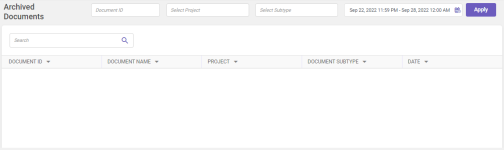
Column header descriptions
COLUMN NAME
DESCRIPTION
Document ID
Displays the document ID associated with the archived document.
Document Name
Displays the name of the archived document
Project
Displays the name of the project to which the archived document belongs.
Document Subtype
Displays the name of the document subtype for the archived document.
Date
Displays the date and time at which the document has been archived.
-
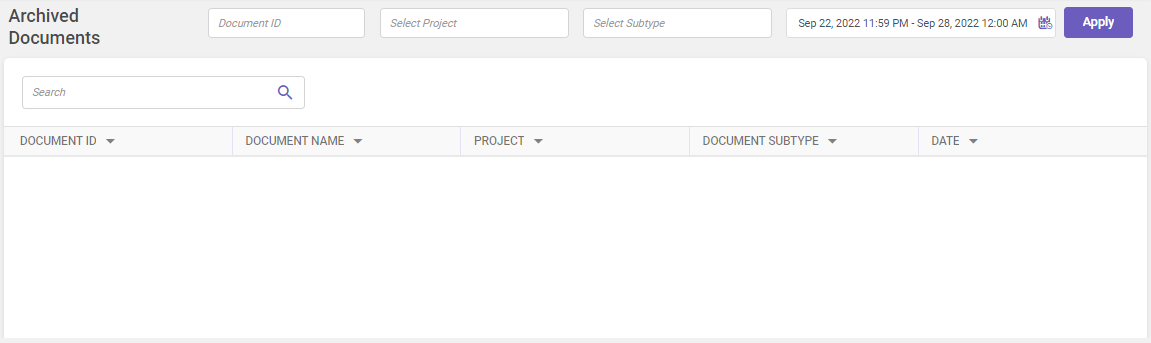
Select the required document id, project, and subtype from the drop-down to view the records for a pre-defined duration or use the
 icon to specify the required duration and then click Apply.
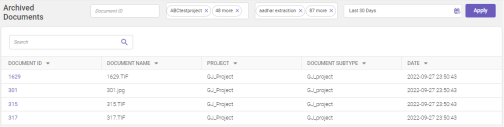
All records matching the given criteria are displayed in the grid. Utilize the Search field to filter and find specific records within the displayed grid (Refer searching data).
-
To view the archived document, simply click on the corresponding document ID within the grid.